 MirrorGo
Mirror your iPhone to an LG TV
MirrorGo shows your iPhone screen on LG smart TVs (webOS) over your Wi-Fi. On newer LG TVs it uses LG's own screen sharing; older ones show your screen in the TV's web browser. Nothing to install.
How to do it
- Turn on your LG TV and put your iPhone on the same Wi-Fi.
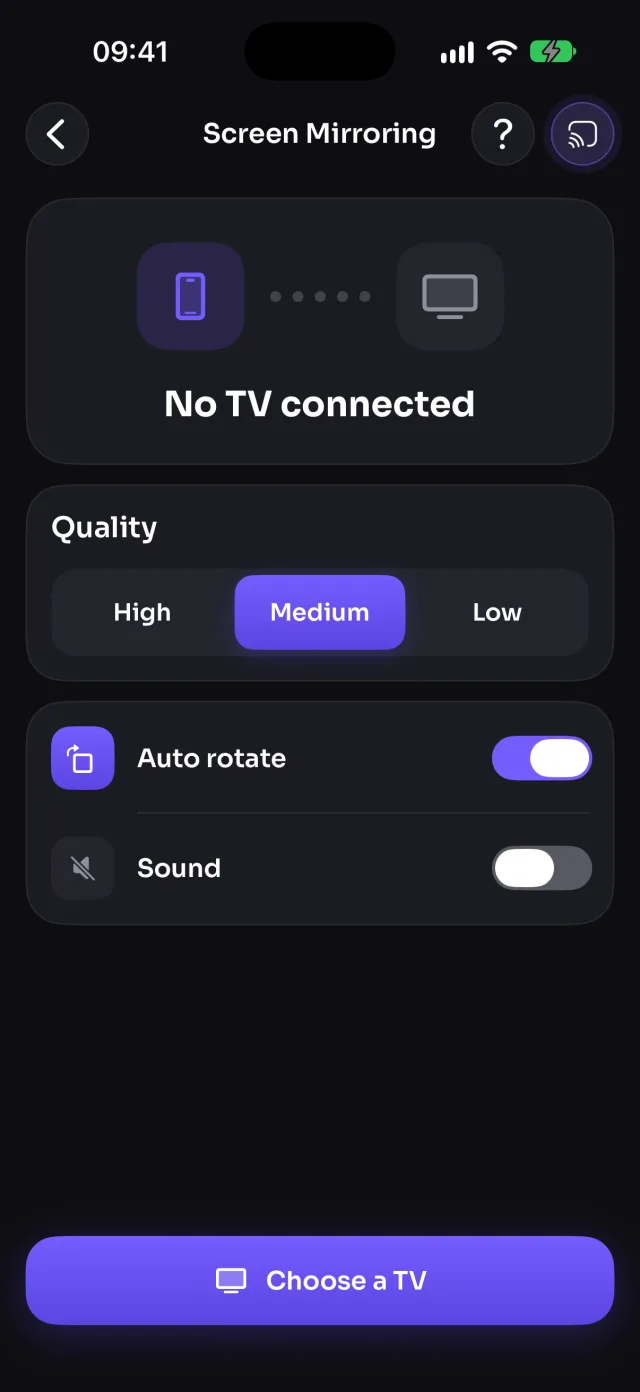
- Open MirrorGo, tap Connect your TV and pick your LG TV.
- The first time, choose Allow on the TV with the remote.
- Open Screen Mirroring, tap Start mirroring, then Start Sharing (Start Broadcast before iOS 26). Your screen shows on the TV in 5–10 seconds.
What you can do on LG TV
- Screen mirroringWorksWith sound on most LG TVs (some older ones show the picture only)
- Photos & videosWorks
- CameraWorks
- YouTubeWorksOpens in the TV's own YouTube app
- Web videosWorks
- Live TV channelsWorks
- Web imagesWorks
Which LG TVs work?
LG smart TVs running webOS. On webOS 22 and newer, MirrorGo uses LG's own screen sharing (LG Cast). Older LG TVs, from webOS 4 (2018) on, show your screen in the TV's web browser, which MirrorGo opens for you.
If the TV doesn't let MirrorGo connect
LG TVs ask before a phone can control them. Missed the message or chose Deny? Connect again and the TV asks again. On older LG TVs, turn on LG Connect Apps in the TV's network settings.
"Is it playing on your TV?"
On LG TVs, MirrorGo first plays photos, videos and channels in the TV's web browser, which plays the most. A few seconds in, it asks if it works. Tap No and it switches to the TV's own player instead.
Questions
Do I need to install an app on my LG TV?
No. MirrorGo uses what's built into LG webOS TVs: LG's screen sharing, the TV's web browser and its media player. You only install MirrorGo on your iPhone.
Why doesn't my LG TV play sound when mirroring?
Most LG TVs play your apps' sound. Some older models show the picture without sound; to watch a video with sound there, cast it (Photos & videos, Web videos or YouTube) instead of mirroring it.
Does MirrorGo work with LG TVs that don't support AirPlay?
Yes. MirrorGo doesn't need AirPlay: it works with LG webOS TVs from 2018 on.