 MirrorGo
Mirror your iPhone to a Philips TV
Many Philips TVs run Google TV or Android TV, with Chromecast built in; others run Titan OS or Saphi. Google TV and Android TV models show up in MirrorGo's TV list. On other models, open smrr.tv in the TV's web browser and mirror there with the code it shows.
How to do it
- Find out which system your Philips TV runs (Google TV, Android TV): its logo is on the start screen and the remote.
- Put your iPhone on the same Wi-Fi as the TV.
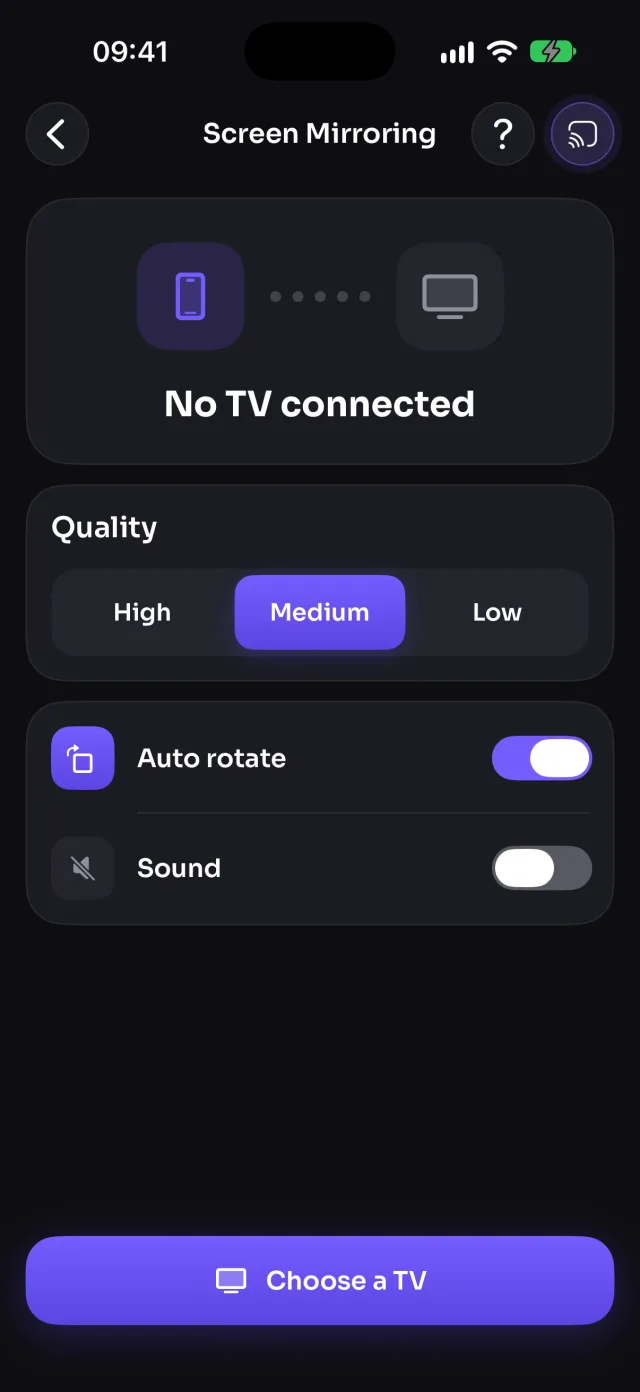
- Open MirrorGo, tap Connect your TV and pick your TV.
- Open Screen Mirroring and tap Start mirroring, then Start Sharing (Start Broadcast before iOS 26).
Coming soon to the App Store
Philips TVs, by system
Google TVMirror your iPhone to Google TVAndroid TVMirror your iPhone to an Android TVAny web browserAny model, through smrr.tv
Guides
- How to connect your iPhone to a Google TV
- How to cast photos and videos from your iPhone to a Google TV
- How to watch free live TV channels on a Google TV
- How to connect your iPhone to an Android TV
- How to cast photos and videos from your iPhone to an Android TV
- How to watch free live TV channels on an Android TV
- How to connect your iPhone to a web browser
- How to cast photos and videos from your iPhone to a web browser
- How to watch free live TV channels on a web browser