 MirrorGo
Mirror your iPhone to a Panasonic TV
Recent Panasonic TVs run Fire TV; earlier ones run Panasonic's own my Home Screen. Fire TV models show up in MirrorGo's TV list. On a my Home Screen model, open smrr.tv in the TV's web browser and mirror there with the code it shows.
How to do it
- Find out which system your Panasonic TV runs (Fire TV): its logo is on the start screen and the remote.
- Put your iPhone on the same Wi-Fi as the TV.
- Open MirrorGo, tap Connect your TV and pick your TV.
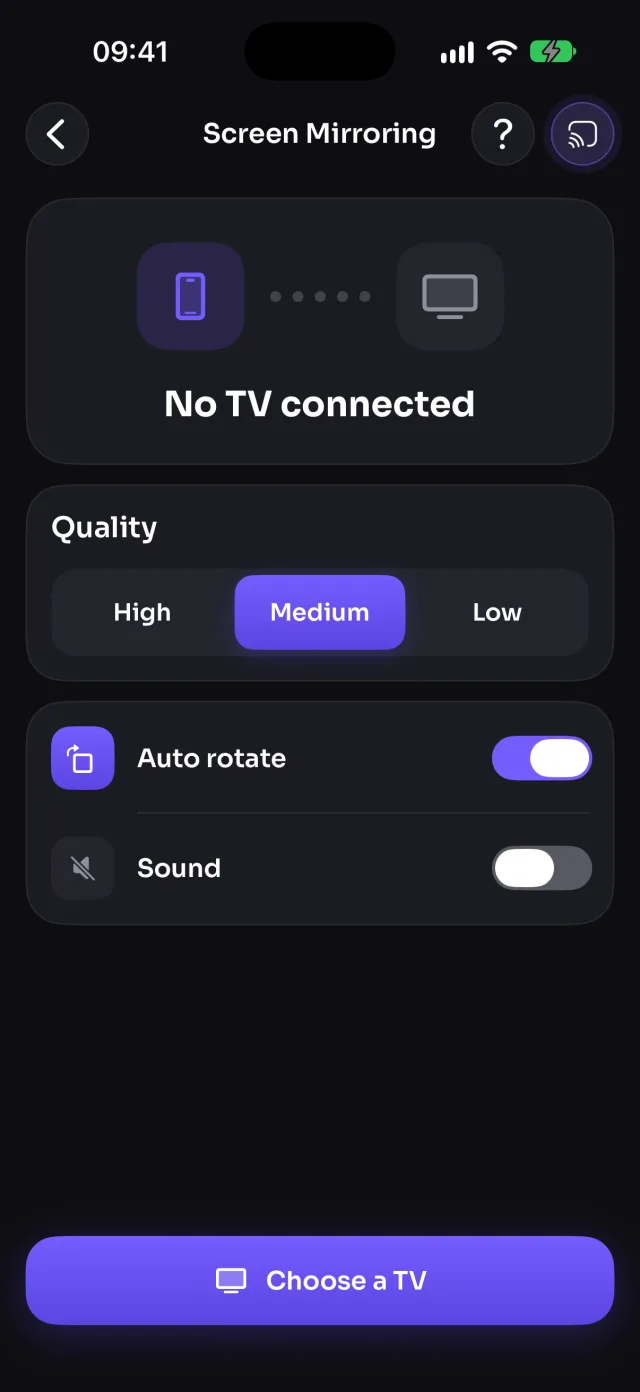
- Open Screen Mirroring and tap Start mirroring, then Start Sharing (Start Broadcast before iOS 26).
Coming soon to the App Store
Panasonic TVs, by system
Guides
- How to connect your iPhone to a Fire TV
- How to cast photos and videos from your iPhone to a Fire TV
- How to watch free live TV channels on a Fire TV
- How to connect your iPhone to a web browser
- How to cast photos and videos from your iPhone to a web browser
- How to watch free live TV channels on a web browser