 MirrorGo
Mirror your iPhone to a Samsung TV
MirrorGo shows your iPhone screen on Samsung smart TVs (Tizen, 2016 and newer) over your Wi-Fi. Nothing to install on the TV: it plays in the TV's own player, with sound.
How to do it
- Turn on your Samsung TV and put your iPhone on the same Wi-Fi.
- Open MirrorGo, tap Connect your TV and pick your Samsung TV.
- The first time, choose Allow on the TV with the remote.
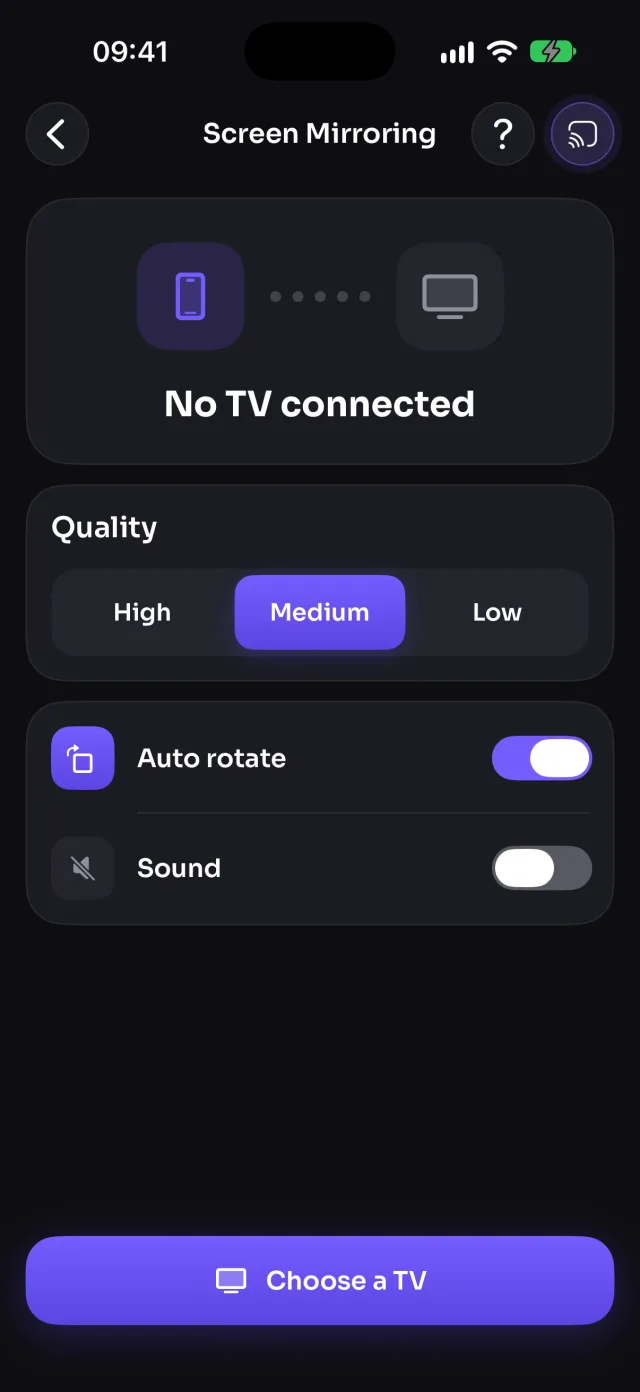
- Open Screen Mirroring, tap Start mirroring, then Start Sharing (Start Broadcast before iOS 26). Your screen shows on the TV in 5–10 seconds.
What you can do on Samsung TV
- Screen mirroringWorksWith sound; Quality, Sound and Auto rotate settings
- Photos & videosWorksPlayed by the TV, 4K and HEVC included where the TV supports them
- CameraWorksWith sound
- YouTubeWorksOpens in the TV's own YouTube app
- Web videosWorks
- Live TV channelsWorks
- Web imagesWorks
Which Samsung TVs work?
Samsung smart TVs running Tizen, from 2016 models on, such as the Crystal UHD, QLED, Neo QLED, OLED and The Frame ranges. MirrorGo finds them on your Wi-Fi by themselves, with no app on the TV.
Many Samsung TVs from 2018 on also support AirPlay. MirrorGo works with or without it, and adds casting from websites, live TV channels and YouTube on top.
If the TV doesn't let MirrorGo connect
Samsung TVs ask before a phone can control them. If you chose Deny, the TV remembers it: on the TV open Settings › General › External Device Manager › Device Connection Manager › Device List, then allow MirrorGo or delete it so the TV asks again.
Smoother mirroring
Mirroring always runs a little behind your phone, more on busy Wi-Fi. Pick a lower Quality for a smoother picture, keep the phone near the router, or cast videos instead of mirroring them: the TV then plays them in full quality, with the sound in sync.
Questions
Do I need to install an app on my Samsung TV?
No. MirrorGo uses what's built into Samsung smart TVs: the TV's media player and its remote control connection. You only install MirrorGo on your iPhone.
Is there sound when I mirror my iPhone to a Samsung TV?
Yes. The sound your apps play goes to the TV with the picture; turn Sound on in Screen Mirroring. MirrorGo never sends your microphone.
Can I mirror Netflix or Disney+ to my Samsung TV?
No mirroring app can: streaming apps protect their videos and iOS sends a black picture instead. Use the app's own cast button, or its app on the TV.